
Phones
Ready to Enhance Your Emergency Communication System?
Whether planning a new installation or upgrading an existing system, Code Blue's team can help you design the right solution.
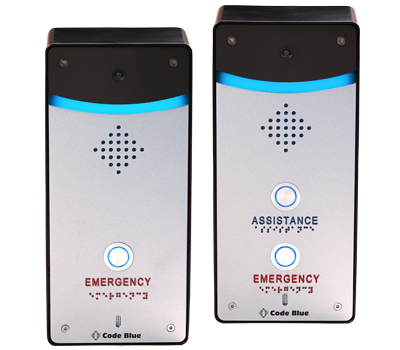
Centry®
Centry® is Code Blue’s smallest Help Point®. Highlighted by a powerful station beacon light and emergency phone capabilities, the multifaceted device provides a reliable hands-free link to first responders. IP video capabilities for indoor environments allow you to bring the safety & security of the blue light inside. Centry® provides a litany of features previously unavailable in emergency or assistance phones, making it an excellent choice for building entrances, hallways, and more.
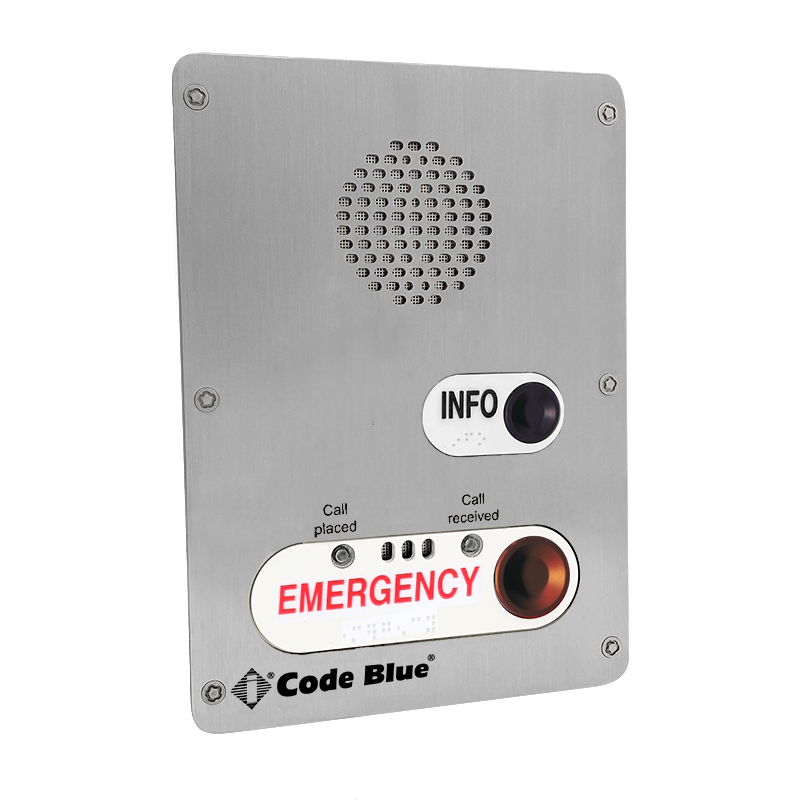
LS1000 VoIP Faceplate Speakerphone
The LS1000 is a SIP compatible VoIP speakerphone that provides a reliable, hands-free link to first responders. Available with multiple button and keypad options, it includes multiple contact closures that may be used to activate a strobe or camera or can be used for door access applications. It is an excellent choice for parking decks, hallways and building entrances.
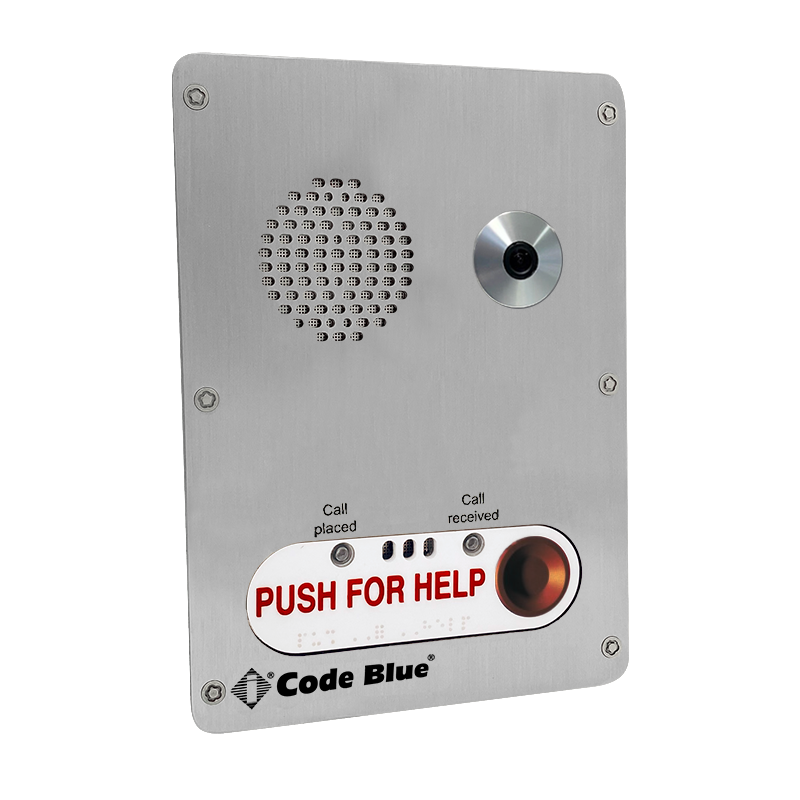
LS1000 VoIP Faceplate Speakerphone with IP Camera
The enhanced LS1000 VoIP Speakerphone combines reliable emergency communication with video verification capabilities, providing both voice and visual awareness during an incident. Designed to improve situational awareness and support faster response, it is ideal for parking facilities, building entrances, campuses, healthcare environments, and other locations where enhanced visibility and security are important.
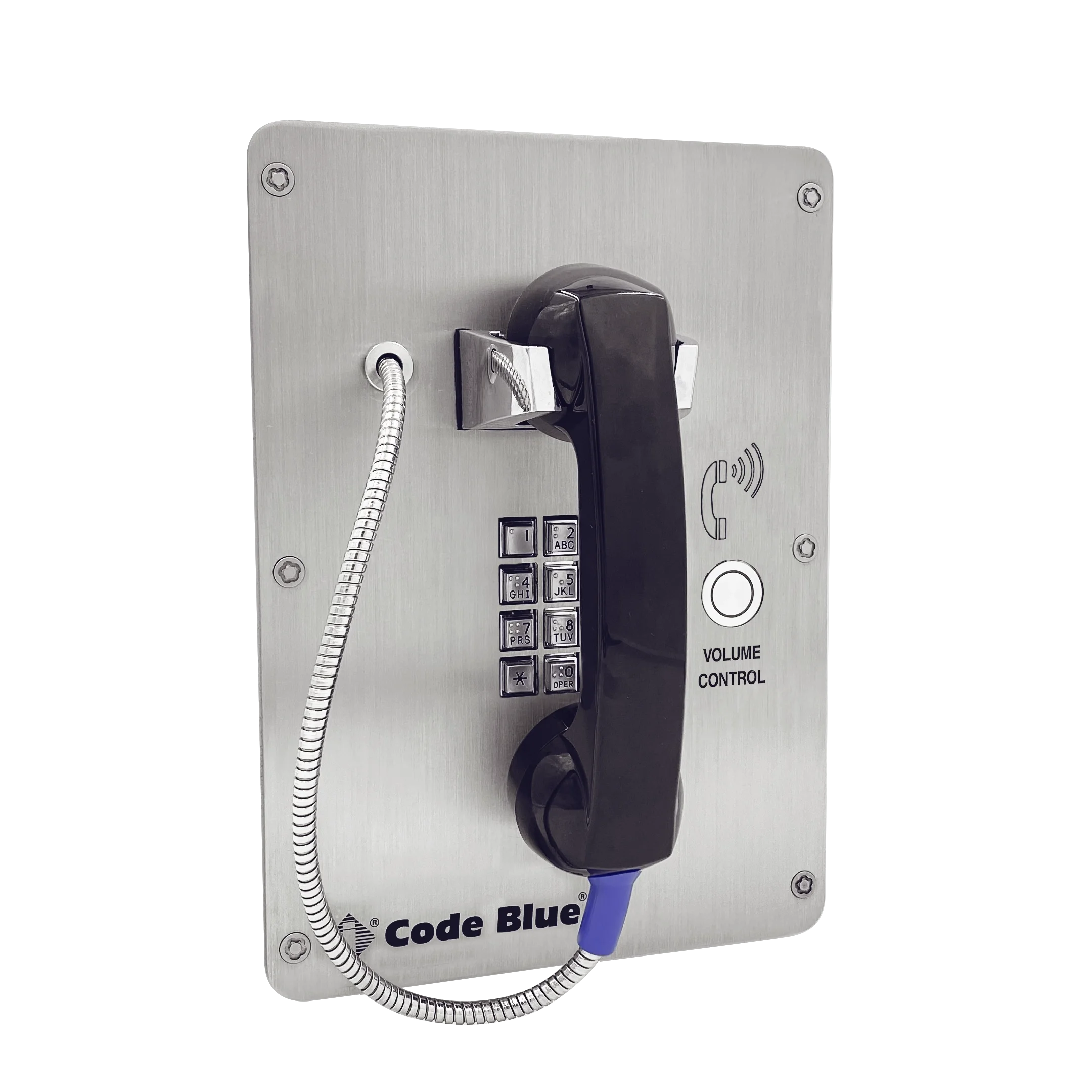
LS2000 VoIP Handset Faceplate Speakerphone
The LS2000 is a SIP-compatible VoIP handset emergency help phone that provides a reliable, private link to first responders. Available with button and keypad options, it includes multiple contact closures that may be used to initiate a call and control volume. It is an excellent choice for mass transit such as airports, rail and bus stations. Also great for pools or privacy locations such as dorms or hallways.
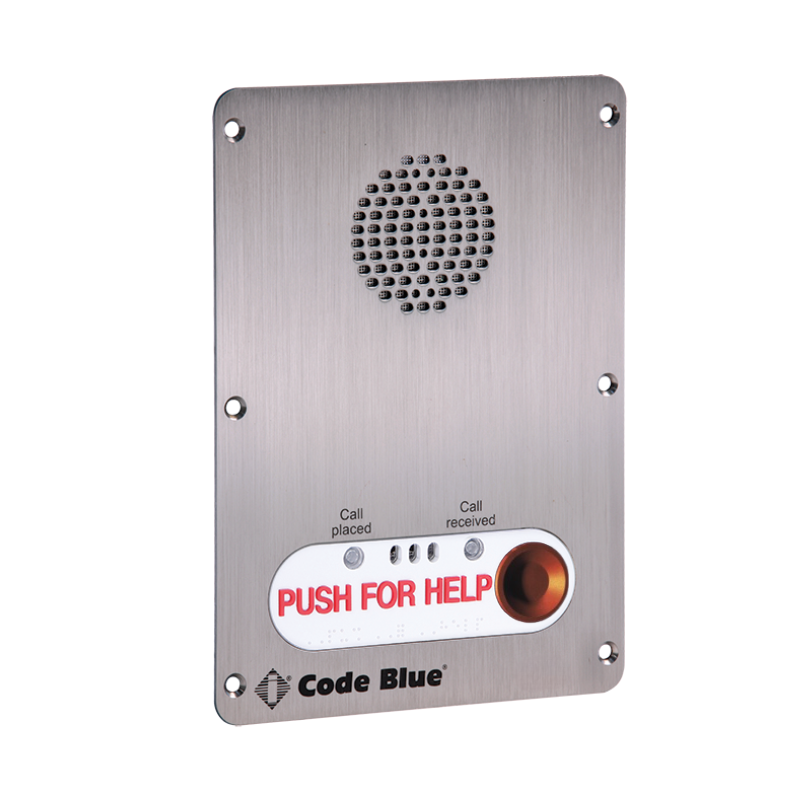
IA4100
The IA4100 is a full duplex analog speakerphone that provides a reliable, hands-free link to first responders. Available with multiple button and keypad options, it includes multiple contact closures that may be used to activate a strobe or camera or can be used for door access applications. It is an excellent choice for parking decks, hallways and building entrances.
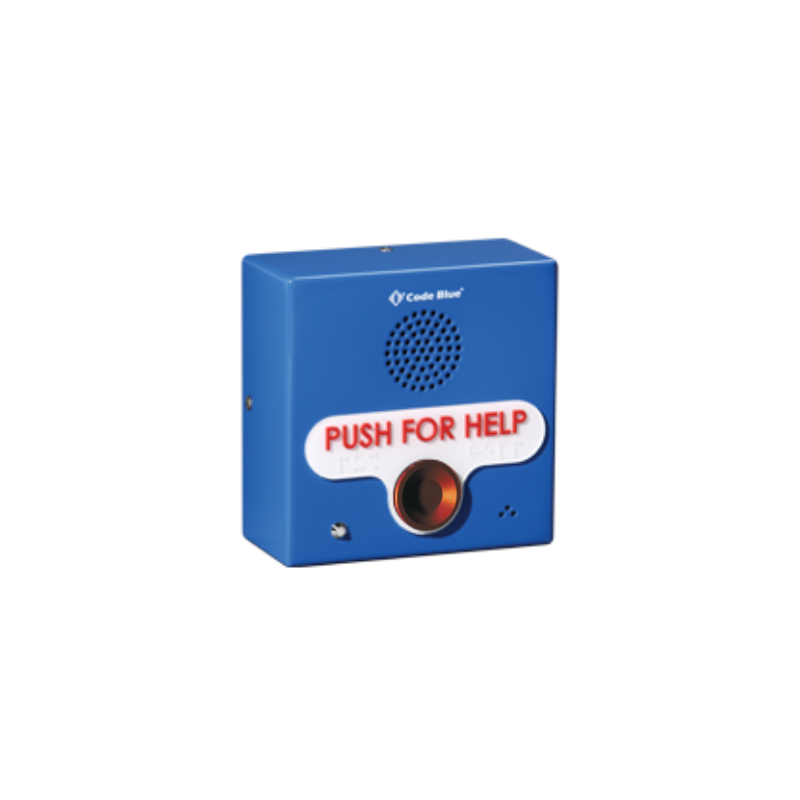
IP1500 Surface Mount VoIP Speakerphone
The IP1500/IP1501 is a full duplex VoIP speakerphone that provides a reliable and direct communication with first responders. Available in either flush and surface mounts, the compact size and SIP capabilities of this emergency help phone make it ideal for a wide range of indoor and outdoor locations. Communication and first-class video verification add additional layers of strength to any Code Blue ecosystem.
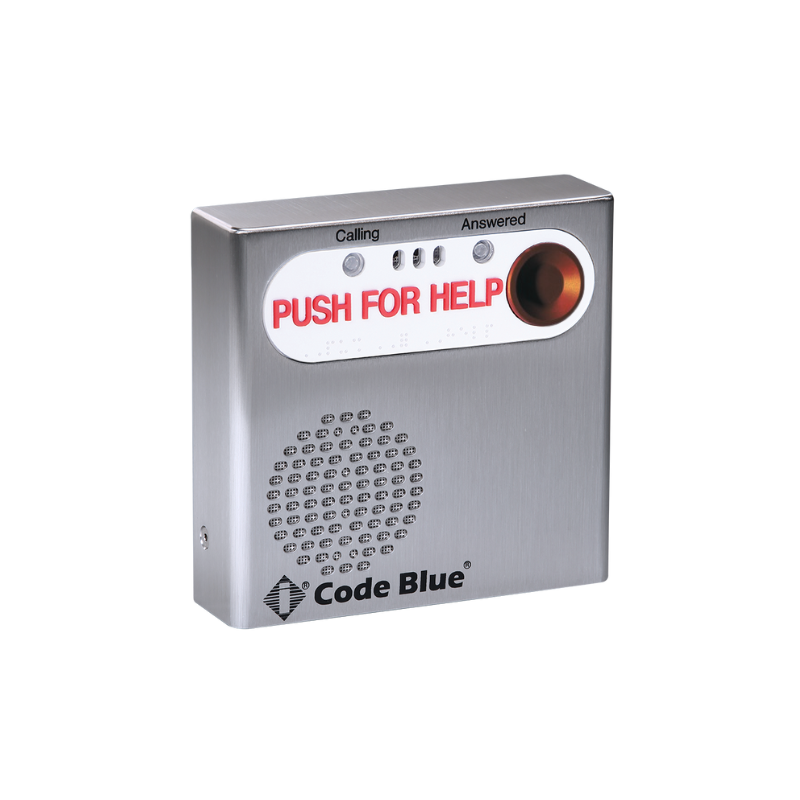
IP2500 Surface Mount VoIP Speakerphone
The IP2500/IP2501 is a full duplex VoIP speakerphone that provides a reliable and direct communication with first responders. Available with both flush and surface mounts and single- or double- button options, its compact size and SIP capabilities make it ideal for a wide range of indoor and outdoor locations.
IP2501 Flush Mount VoIP Speakerphone
The IP2500/IP2501 is a full duplex VoIP speakerphone that provides a reliable and direct communication with first responders. Available with both flush and surface mounts and single- or double-button options, its compact size and SIP capabilities make it ideal for a wide range of indoor and outdoor locations, like hallways, stairwells, classrooms, subway cars, parking garages, elevators and door entries.
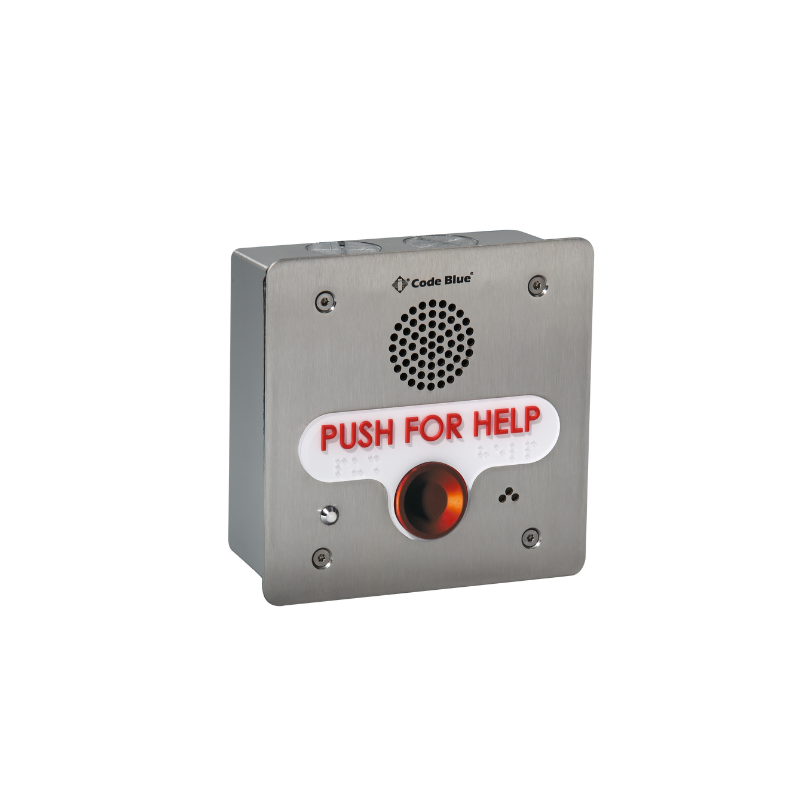
IP1501 Flush Mount VoIP Speakerphone
The IP1500/IP1501 is a full duplex VoIP speakerphone that provides a reliable and direct communication with first responders. Available in either flush and surface mounts, its compact size and SIP capabilities make it ideal for a wide range of indoor and outdoor locations. Communication and first-class video verification add additional layers of strength to any Code Blue ecosystem.
Frequently Asked Questions
-
To program an IA4100 or IA500 series phone, you need to use an analog or IP phone that pushes DTMF tones. Call the extension or phone number of the Code Blue speakerphone. When you dial the number you’re trying to reach, you will hear an acknowledgement tone or RFA tone to let you know that the phone has picked up and is ready to be programmed. Press the programming password for that particular model to enter programming mode and continue configuring the phone.
For example, to program an IA4100:Call the number or extension of speakerphone, wait for the beep, then press 1#01 # wait for acknowledgement tone, then press * # to hang up.
-
1. Call the Code Blue speakerphone’s number and enter program mode (1#).
2. Enter 5000 #. This will set the IA4100 to operate in ring-down mode.
3. Enter * # to save and exit programming.
-
By default, the IA4100 is looking for a 200-millisecond wink to hang up the call. If your phone system is not issuing a 200-millisecond wink, there are additional hang-up methods available, such as monitoring for dial tone, reorder tones or silence. If you know the type of disconnect or hang-up method your phone system uses, then just enable the one you need via programming. If not, you can turn them all on.
The alternate hang up methods available are:
Revert to dial tone:CMD 41 (Default=00)Continuous sound for this period will initiate hang upRecommended 4108#
Silent time out:CMD 42 (Default=0#)1 to 9 (10 to 90 in 10-second increments)Recommended 422#
Reorder tones “busy tones”:CMD 43 (Default= 00#)Number of reorder tones (01 – 99 = 1 -99 cycles)Recommended 4308#
For example, to enable an alternate hang up method: Call the speakerphone. After the beep or RFA tone, press 1#, wait for acknowledgement tone, then press 4108# (monitor 8 seconds of reorder tones). Wait for acknowledgement tone, then press * # to save and hang up.
-
Call the speakerphone to enter programming mode. Wait for beep or RFA tone, press 1 #, then wait for the acknowledgement. Press 22# #, then press * # to hang up.
-
Call the speakerphone to enter programming mode. Wait for beep or RFA tone, press 1 #, then wait for the acknowledgement. Press 22# #. Message will play to the caller only while the call is in progress or before the “Call received” light comes on.
-
That information can be found on page 25 of our IA4100 Guide here.
-
Unplug the PoE and button/LED harness and short pins 2 and 3 for a network config reset, or pins 4 and 5 for a hard reset (set everything to defaults). Reconnect PoE and you will hear two beeps acknowledging reset. Wait 10 seconds, unplug power, remove shunt, reconnect harness and PoE. Reset is complete.
-
Press and hold the reset button on the board for 5 seconds and it will delete the network config files and scripts. The recordings will remain in programming.
Press and hold the reset button on the board for 10 seconds or until you hear the second group of beeps. The IP5000 file system will be formatted, resetting it to factory defaults.
OR
Using Windows Telnet:Open Enter username: admin and password: adminFor Firmware Version 1 phones: At the prompt, type: .advanced and press enter. Then type: format c: codeblue and press enter.For Firmware Version 2 phones: At the prompt, type: format c: codeblue and press enter.After successfully formatting the phone, type: reboot
-
In this case you can use a standard home/wireless router. Just plug your PC and IP phone into the same router and both devices will be given an IP address automatically. You can run a network scan using a free program like SoftPerfect network scanner. You will be able to identify your speakerphone by its mac address. Once you know its IP address, you can browse to the phone via your web browser and change its IP address to a Static IP address if desired.
-
By default, the speakerphones are set for Dynamic IP address (DHCP) so the network you’re connecting the IP phone to should have a DHCP server running. To locate the IP5000/2500/1500 you may run a network scan using a free program like SoftPerfect network scanner. You will be able to identify your phone by its mac address (on the back or underside of the phone) to see what IP address was given to it. (Example: Code Blue IP5000 devices are: 00-50-C2-CB-XX-XX). Once you know its IP address, you can browse to the phone via your web browser and change its IP address to a Static address if desired.